Weather Web Application
Project Overview
Max Weather is a full-stack web application that delivers real-time weather information and detailed forecasts. The application features a modern React frontend built with Vite for fast development and optimal performance, paired with a Node.js/Express backend that handles API integration and data processing. The app integrates with OpenWeatherMap API to provide accurate current weather conditions, 5-day forecasts with 3-hour intervals, and supports both predefined cities (Boston, Shanghai, Beijing, Tokyo) and dynamic city search through geocoding API. The architecture separates frontend and backend concerns, enabling independent deployment and scaling.
Technical Details
The frontend is built with React 18 using functional components and React Hooks (useState) for state management. It uses Vite as the build tool for fast hot module replacement and optimized production builds. The UI is styled with native CSS3, ensuring lightweight and customizable styling. React Icons library provides weather and UI icons. The backend is built with Express.js 5, implementing RESTful API endpoints for weather data and forecasts. It includes CORS configuration for cross-origin requests, environment variable management with dotenv, and error handling middleware. The application supports both a hardcoded city map for predefined cities and optional OpenWeather Geocoding API for dynamic city search. The frontend uses Vite's proxy configuration in development and Vercel rewrites in production to handle API routing, solving mixed content issues when deploying HTTPS frontend with HTTP backend.
Features
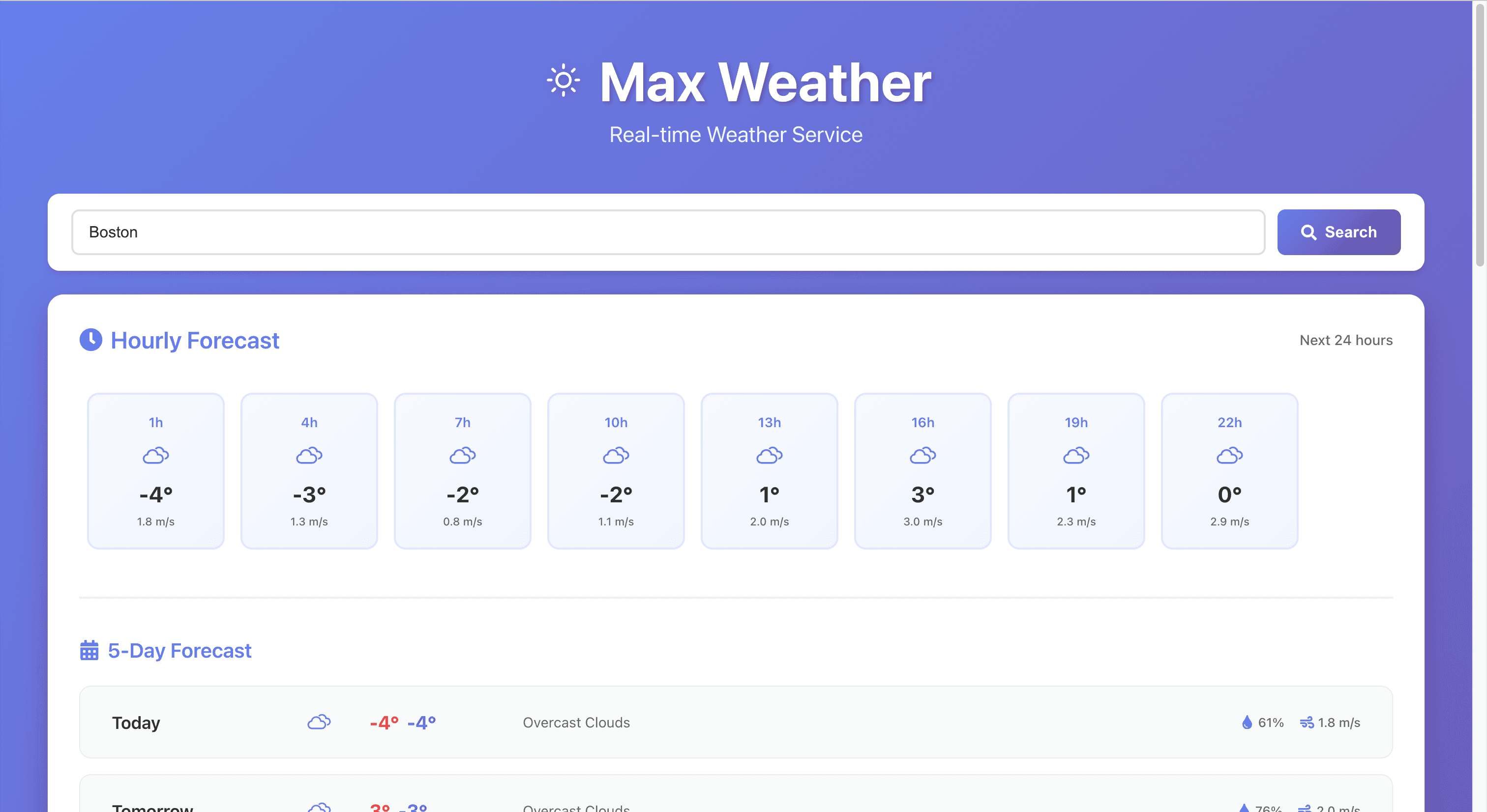
- ✓Real-time current weather data with temperature, humidity, wind speed, and conditions
- ✓5-day weather forecast with 3-hour interval predictions
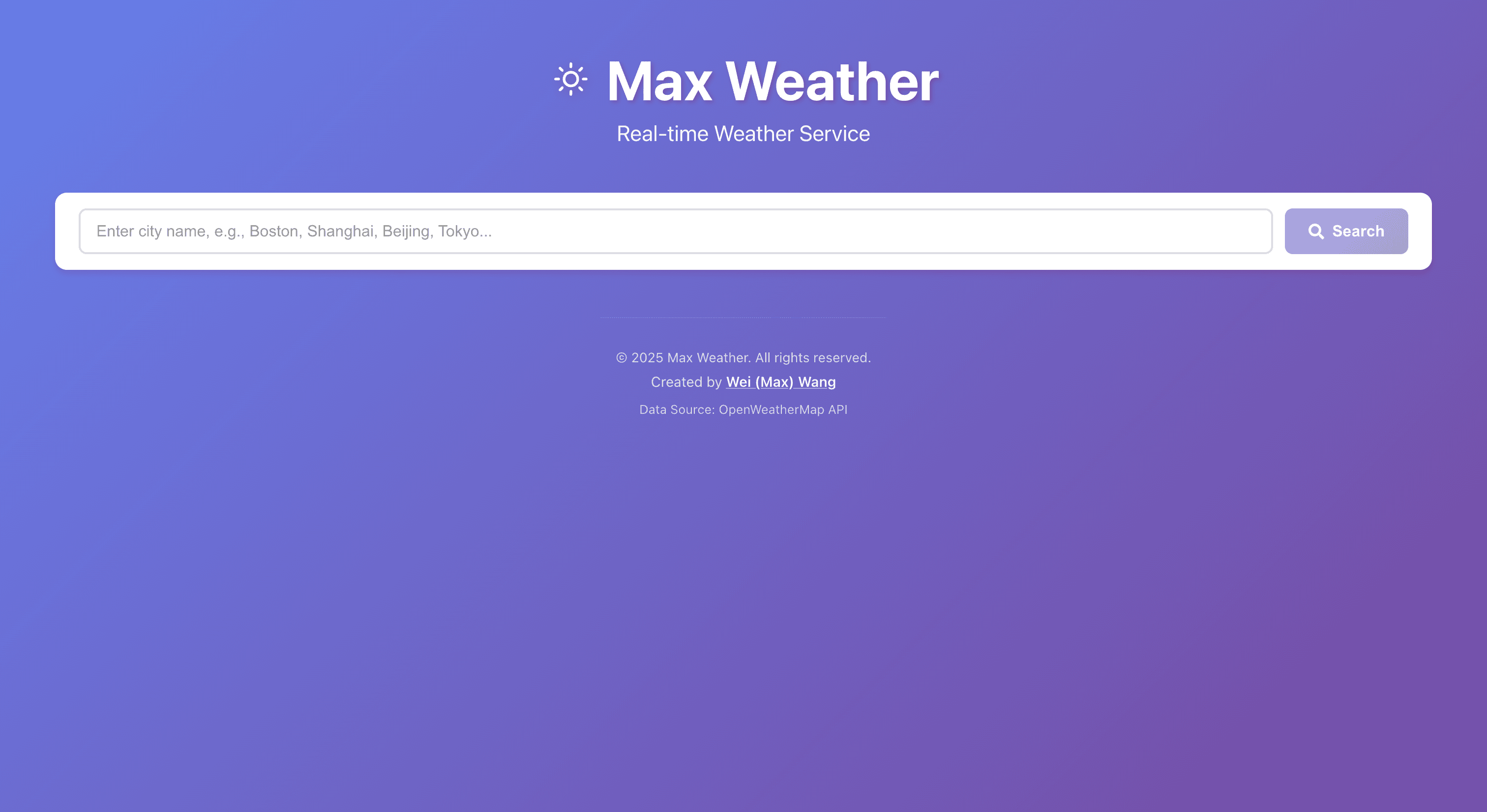
- ✓City search functionality supporting predefined cities and dynamic geocoding
- ✓Responsive design optimized for desktop, tablet, and mobile devices
- ✓Loading states and comprehensive error handling with user-friendly messages
- ✓Component-based architecture with reusable WeatherCard and ForecastCard components
- ✓Parallel API calls for current weather and forecast data to improve performance
- ✓Environment-based API URL configuration for development and production
Technologies Used
Screenshots
Challenges and Solutions
Challenge 1
Handling mixed content issues when deploying HTTPS frontend (Vercel) with HTTP backend, causing CORS and security policy violations
Solution:
Implemented Vercel rewrites in vercel.json to proxy API requests through the HTTPS frontend server, avoiding mixed content issues. Used relative paths in production and Vite proxy in development for seamless API routing
Challenge 2
Managing API routing between frontend and backend in different deployment environments (development vs production)
Solution:
Created environment-aware API URL configuration that uses Vite proxy in development and relative paths with Vercel rewrites in production, ensuring consistent behavior across environments
Challenge 3
Implementing fallback mechanisms for city geocoding when API is unavailable or rate-limited
Solution:
Built a dual-mode city resolution system: hardcoded city map for reliable predefined cities (Boston, Shanghai, Beijing, Tokyo) with optional OpenWeather Geocoding API fallback, controlled by USE_GEOCODING_API environment variable
Challenge 4
Creating a seamless user experience with proper loading states and error handling for async API calls
Solution:
Implemented comprehensive error handling with try-catch blocks, loading states, and user-friendly error messages. Added parallel fetching for current weather and forecast data to improve perceived performance
Challenge 5
Configuring environment variables correctly across different deployment platforms (Vercel, backend hosting)
Solution:
Documented environment variable requirements and created example files (.env.example) for both frontend and backend. Implemented detailed error messages that guide users through configuration issues